

Running paid campaigns in Google Ads or Meta Ads often turns into a drain on your advertising budget if your WordPress site infrastructure isn't ready to handle the load. Even perfectly configured targeting and creatives won't save the day if your landing page doesn't have forms, your mobile layout is "floating," and your analytics aren't recording conversions. In this guide, we'll walk you through a technical checklist of 20 checks that will help you prepare your site for advertising traffic.
1. Mobile adaptation
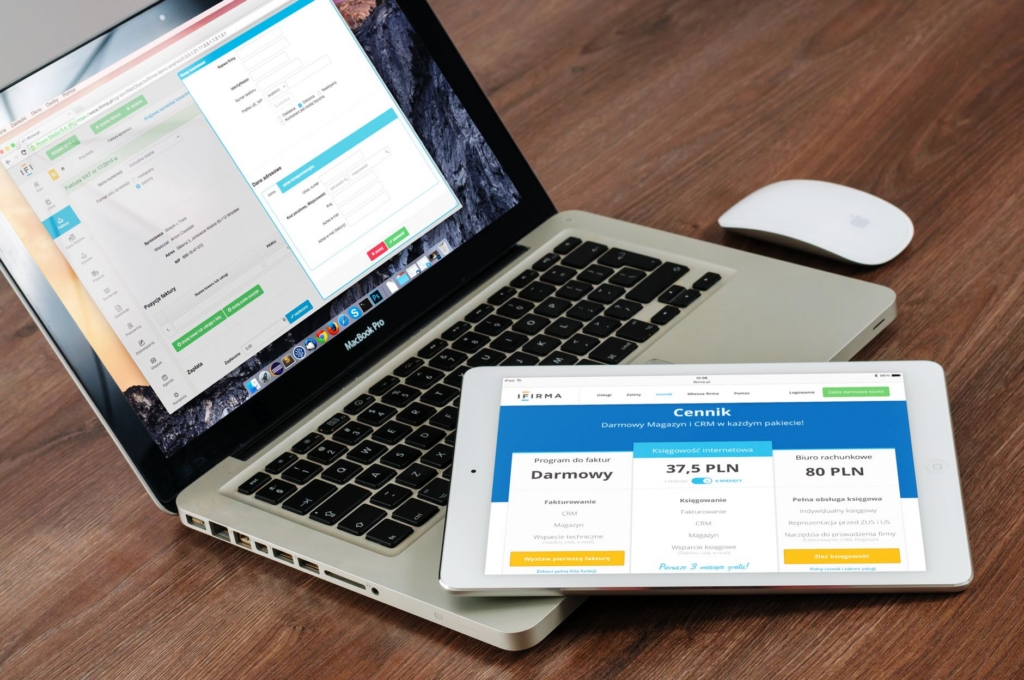
Most paying users visit your site from their smartphones. Check every step of a mobile user’s interaction with your site.
- Correct layout on smartphones and tablets: Check the display of blocks on screens of different widths in Chrome DevTools.
- Lack of horizontal scrolling: Content should not overflow the screen due to oversized images or fixed tables.
- Text readability and button accessibility: minimum font size and sufficient distance between clickable elements.
- Menu and CTA usability: The main buttons should be visible and easily accessible for pressing with your thumb.
2. Speed and stability
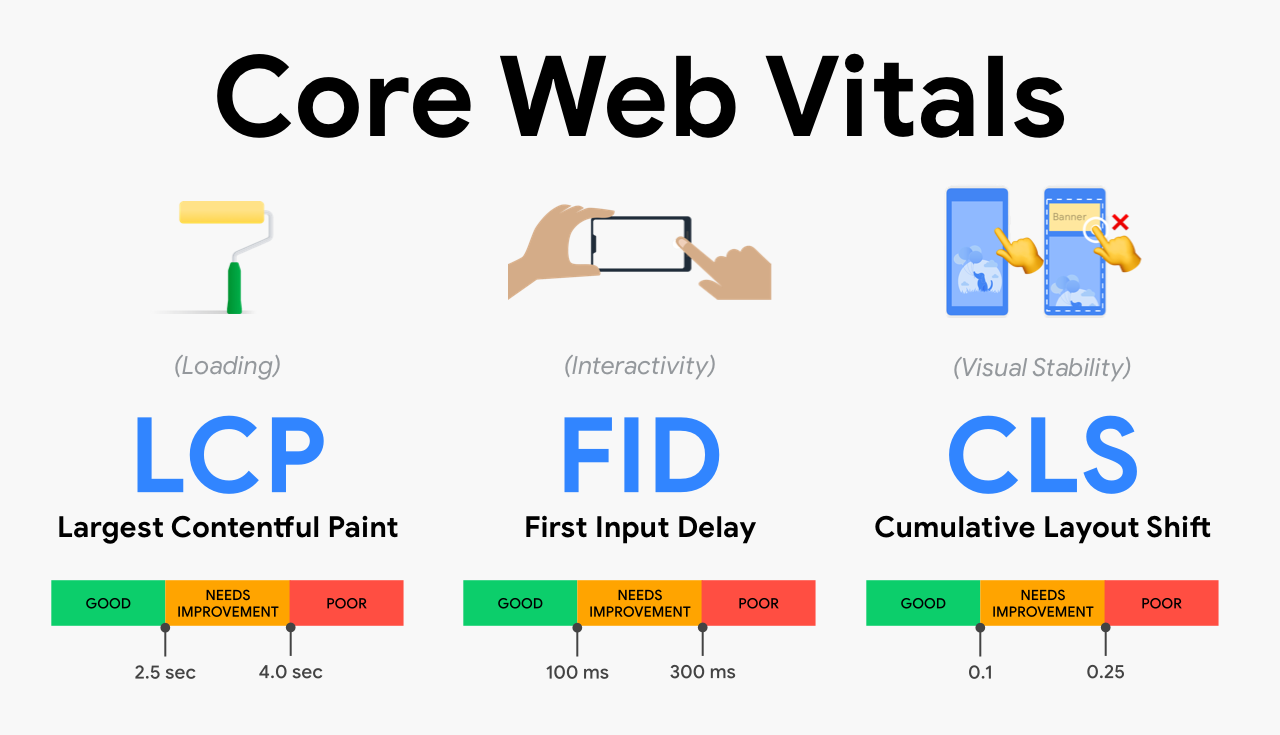
Loading speed directly affects bounce rate and landing page experience, as recommended in Core Web Vitals documentation.
- PageSpeed Insights check: Evaluate current performance for mobile and desktop versions.
- LCP, INP and CLS analysis: Make sure that the main content loads within 2.5 seconds and that layout shifts are minimal.
- Optimizing images, fonts, and JavaScript: Compress graphics, set up lazy loading, and reduce the number of unnecessary plugins.
- Checking PHP, HTTPS, and server response errors: Fix critical errors in the logs and check the stability of the SSL certificate.
3. Conversion elements
Successfully clicking the "Submit" button on a form does not guarantee that the request actually made it to your CRM or mail server.
- Checking contact forms: test each field for validation and correct data entry.
- Receiving letters and transferring applications to CRM: Make sure that notifications arrive in your email without delay.
- Click-through rate of phone, messengers and CTAs: Links to messengers and phone numbers should open the corresponding apps or dial the number.
- Popup testing and validation: Pop-ups should not block the site on mobile devices.
4. Analytics and advertising
Correct tracking settings allow systems to optimize the display of advertisements to interested users.
- GA4 and Google Tag Manager settings: Check that the base containers are installed correctly.
- Checking Google Ads conversions: perform a test conversion and use Google Tag Assistant.
- Meta Pixel and Lead Event Verification: Make sure that events capture the target actions without duplication.
- Cookie consent: configure parameter transfer according to requirements Google Consent Mode v2.
5. Ready to launch
The final stage of checking the logic of the advertising campaign and landing page.
- Compliance of the landing page with the advertising promise: The text and offer on the site must fully correspond to the advertisement.
- Correct URLs and no 404: Check the functionality of all target links.
- Testing UTM tags and attribution: Make sure that traffic sources are correctly passed to analytics.
- Final end-to-end application test: Go through the entire user journey from a real smartphone.
Site audit priority table
| Priority | Tasks |
|---|---|
| Critical to launch | Form performance, mobile layout, basic conversion tracking, HTTPS |
| It is advisable to correct | Speed optimization (Core Web Vitals), GTM and Consent Mode settings |
| Can be optimized after launch | Additional caching, fine-grained animation customization, advanced analytics |
Example: why leads disappear
The advertisement leads to the service page, the user fills out the form, but the application does not arrive in the mail or the Lead event is not recorded. This may occur due to a failure in the PHP mail on the server or blocking of consensus scripts. Regular monitoring of the stability of the site helps to detect such technical problems in time, which is described in detail in the materials about technical support for websites.
FAQ
Does site speed affect cost per click in Google Ads?
Google Ads takes into account the usability and speed of a landing page as part of the Landing Page Experience metric, which affects the overall effectiveness of a campaign.
Is it enough to test the form only on the desktop?
No, most users interact with ads from smartphones, where layout and widgets may work differently.
What to do if conversion events are duplicated in analytics?
You need to check the tag settings in Google Tag Manager and exclude simultaneous sending of events through CMS and GTM plugins.
Are you planning to launch a new project, perform a complex integration, or are you looking for a reliable team to provide technical support and accelerate your existing site? Describe your task — at VORONOV Solutions, we will conduct a technical audit and offer the optimal cooperation format (Fixed Price, hourly package, or Retainer).

 English
 Ukrainian