





Microanimations — these are small, barely noticeable movements on the website that respond to user actions: clicking buttons, hovering the cursor, scrolling the page, or loading content. Despite their small size, they significantly improve interaction with the website, increase usability, and create a pleasant, modern UX. In this article, we will look at why microanimations are becoming a trend in 2025 and how to use them correctly.
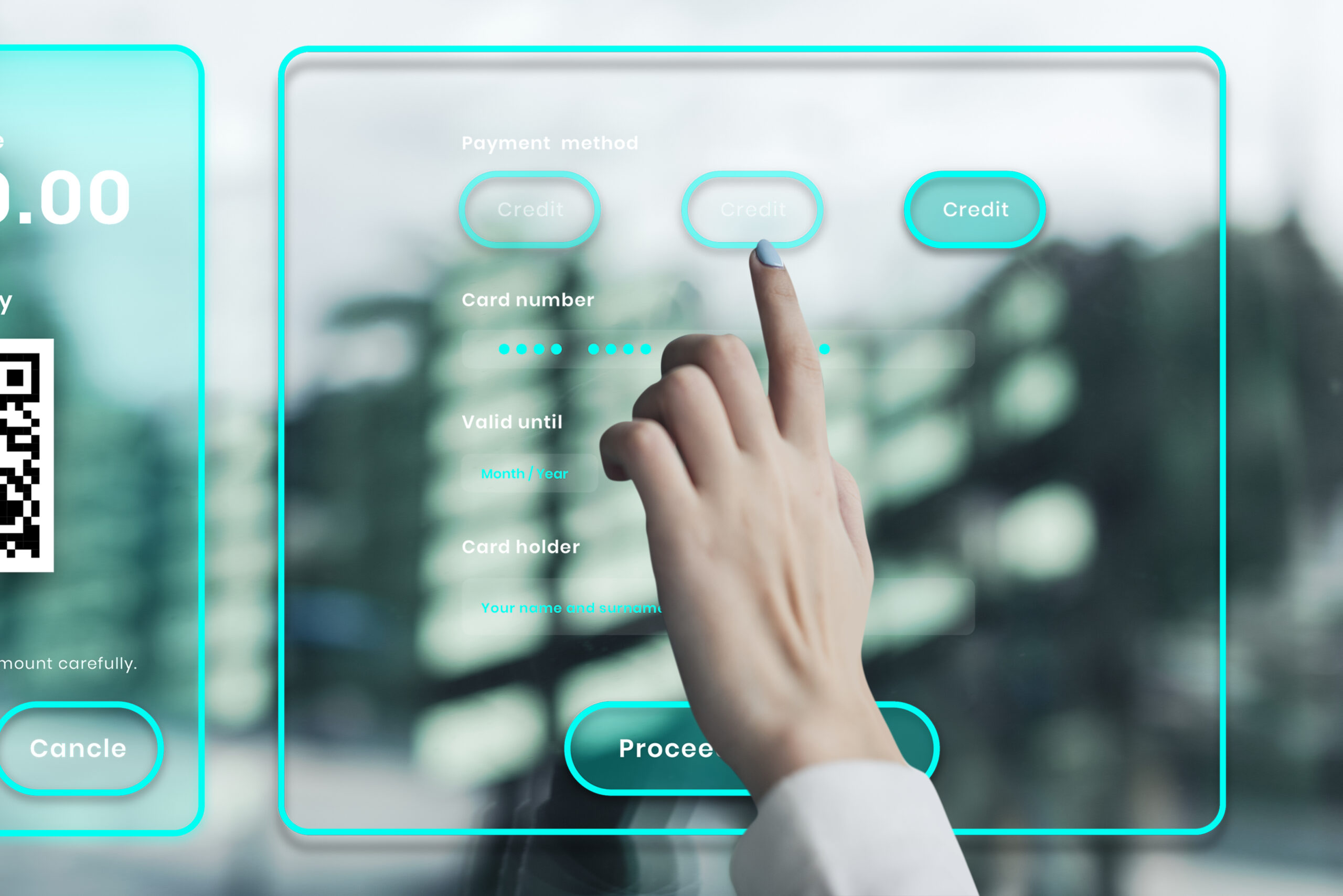
Why microanimations are so important
- Improving user experience
Microanimations help users better navigate the site. They indicate that a button is active, a form is being submitted, or an element is loading — all of which creates a comfortable interaction. - Enhancing emotional perception
Unobtrusive movement makes the site “come alive.” It evokes positive emotions, which increases trust in the brand and the desire to continue using the site. - Visual cues without overload
Microanimations replace text instructions. For example, a button that slightly enlarges when hovered over immediately prompts: “Click me.”
Where microanimations are used
- Buttons and navigation elements
A slight change in color, shadow, or scale makes the site easier to understand and more enjoyable to use. - Filling out forms
Smooth movement of the placeholder or field highlighting shows the user that they are doing everything correctly. - Content loading
Loader animations help hide delays and make waiting less noticeable. - Confirmation of actions
A brief movement or change in the icon after pressing “Send” confirms that the action has been completed.

How to implement microanimations correctly
- Restraint is the key to success
Microanimations should be subtle and smooth. Excessive movement overloads the design and annoys the user. - Speed and logic
Animations should last 100–300 ms — this is enough for the user to see the response but not feel any delay. - Priority of accessibility
Microanimations should be invisible to people with visual impairments and should not cause discomfort. Add the option to disable animations in the settings. - Optimization for performance
Incorrectly created animations can overload the browser. Use CSS animations and GPU-optimized effects.

How we help
- Website design — We create modern interfaces with microanimations that improve conversion.
- Website optimization — We implement lightweight animations without the risk of overloading the site.
- Website development — We create stylish, fast, and interactive websites that take into account the latest UX trends.
Tips for website owners
- Only use animations where they are really needed.Only use animations where they are really needed.
- Check how animations look on mobile devices.
- Ensure that the website remains fast and lightweight.
- Make animations part of your brand identity — this increases recognition.
Conclusion
Microanimations — these are small details that create a big effect. They make the website interactive, understandable, and pleasant for users, increase conversion, and distinguish your brand from competitors. Use microanimations wisely, and your website will become modern, lively, and user-friendly.
If you want a site that works for your business, order from us:
website design | website optimization | website development